
About Flipsson
An overview and the key features of Flipsson, the AI teaching platform that turns your lesson plans into lessons.
Service Overview
Flipsson is an education platform that turns instructors' lesson plans into activity-based interactive lessons, connects instructor and learner screens in real time, and records the entire lesson process in one place.
| Service name | Flipsson |
|---|---|
| Operator | Nallijaku |
| Service type | Web browser–based service (no software installation required; accessible on PC, tablet and mobile) |
| Lesson structure | Class → Session → Module → Block (unit of learning activity) |
| Intended users | Instructors and teachers, learners, academy directors, institution administrators |
| Service URL | flipsson.ai |
Blocks That Make Up a Lesson
A lesson is built by arranging blocks, each representing a single learning activity, in order. The main blocks are as follows.
| Block | Description |
|---|---|
| Theory | Text materials; uploaded PDF and PPT files are displayed as slides as they are |
| Practice | Worksheets (list or page format), in-browser code execution, team sticky notes, student homepage building |
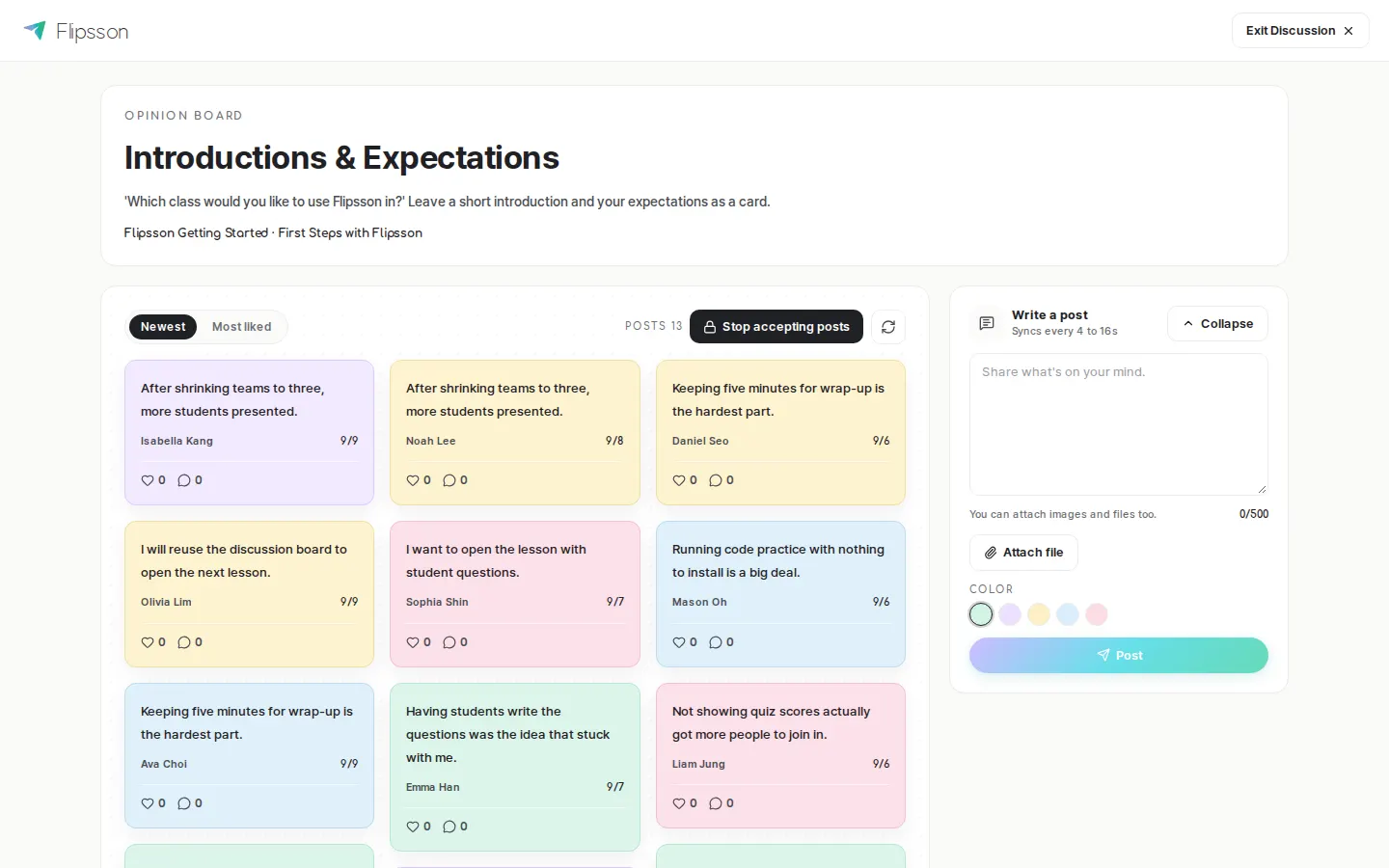
| Discussion | Whole-class opinion board, team discussion boards and team chat |
| Game | Live quizzes (automatic scoring and ranking), bracket-style preference tournament |
| Team building | Teams formed once apply to every lesson in that class |
| Survey | Role assessment, satisfaction and pre-check surveys |
| Specialized | Presentations, best-team selection (virtual fund investment), business simulation (share prices and rankings) |
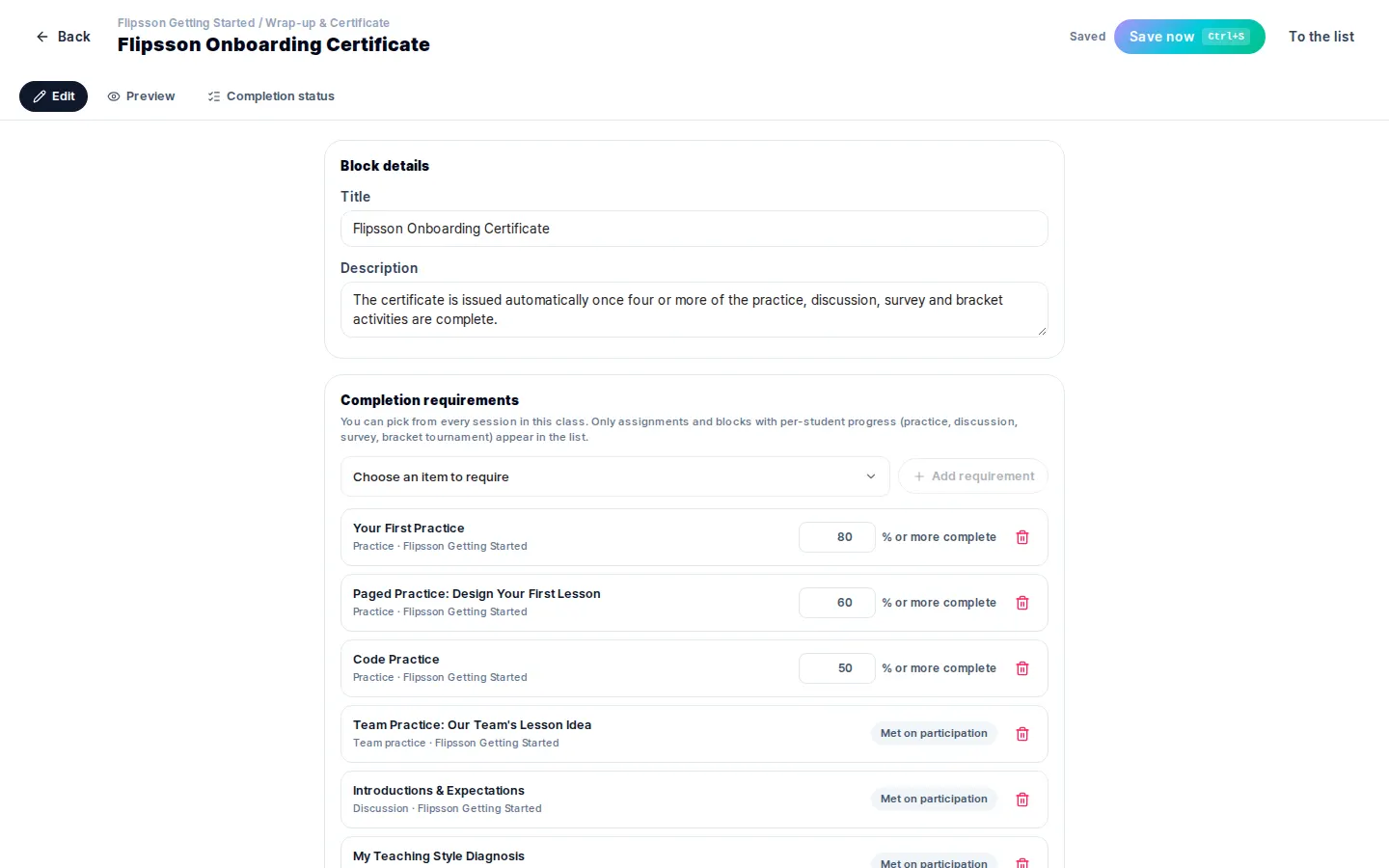
| Certificate | Set completion conditions for activities and assignments, and issue PDF certificates to learners who meet them |
Key features
Lesson Design — Place Blocks, and the Lesson Is Built
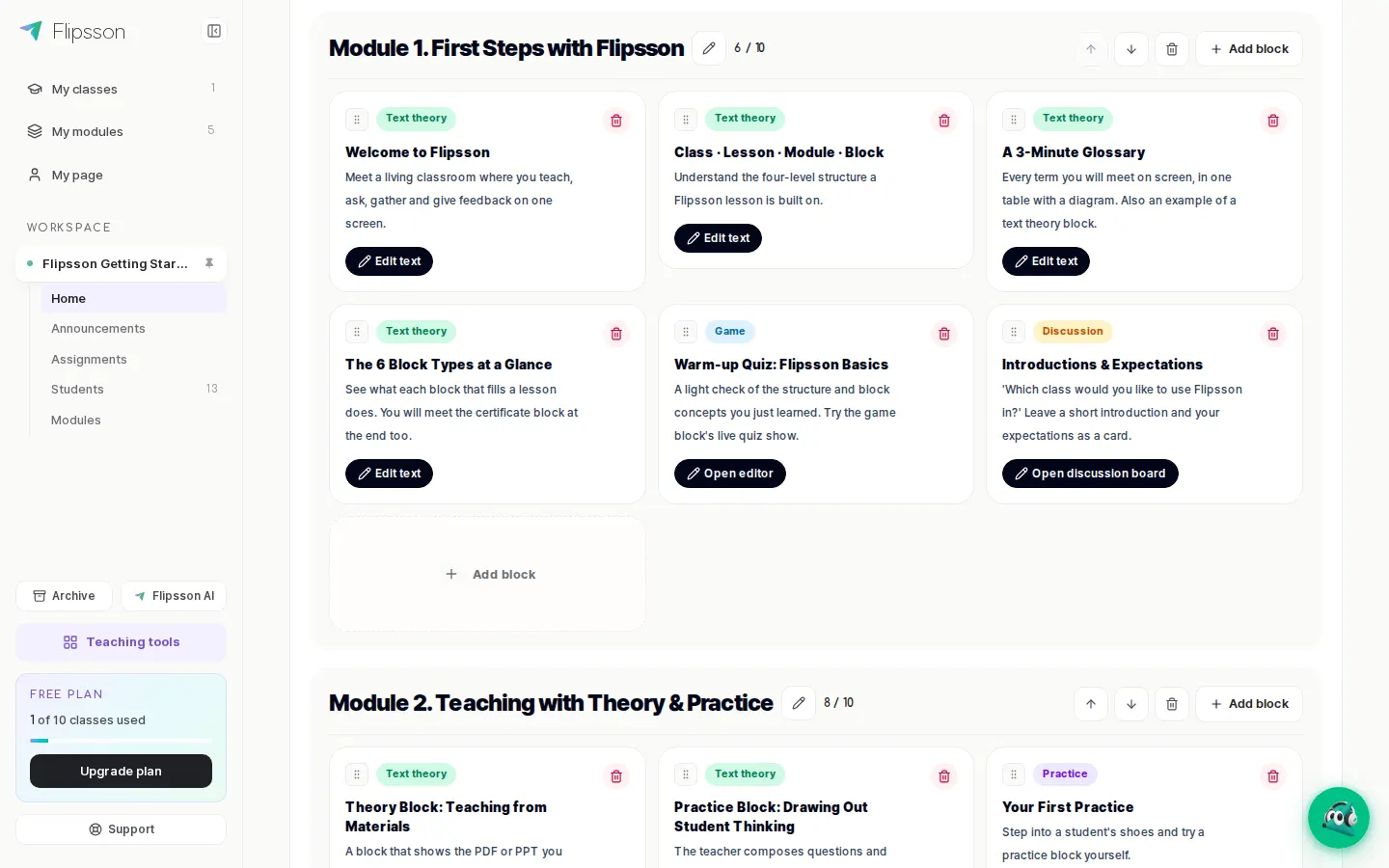
On the session screen, add activity blocks to each module and change their order. Modules you create remain in the library for reuse with your next class.
- Editing by module and block, drag-and-drop reordering
- Pre-lesson checks with a student-view preview
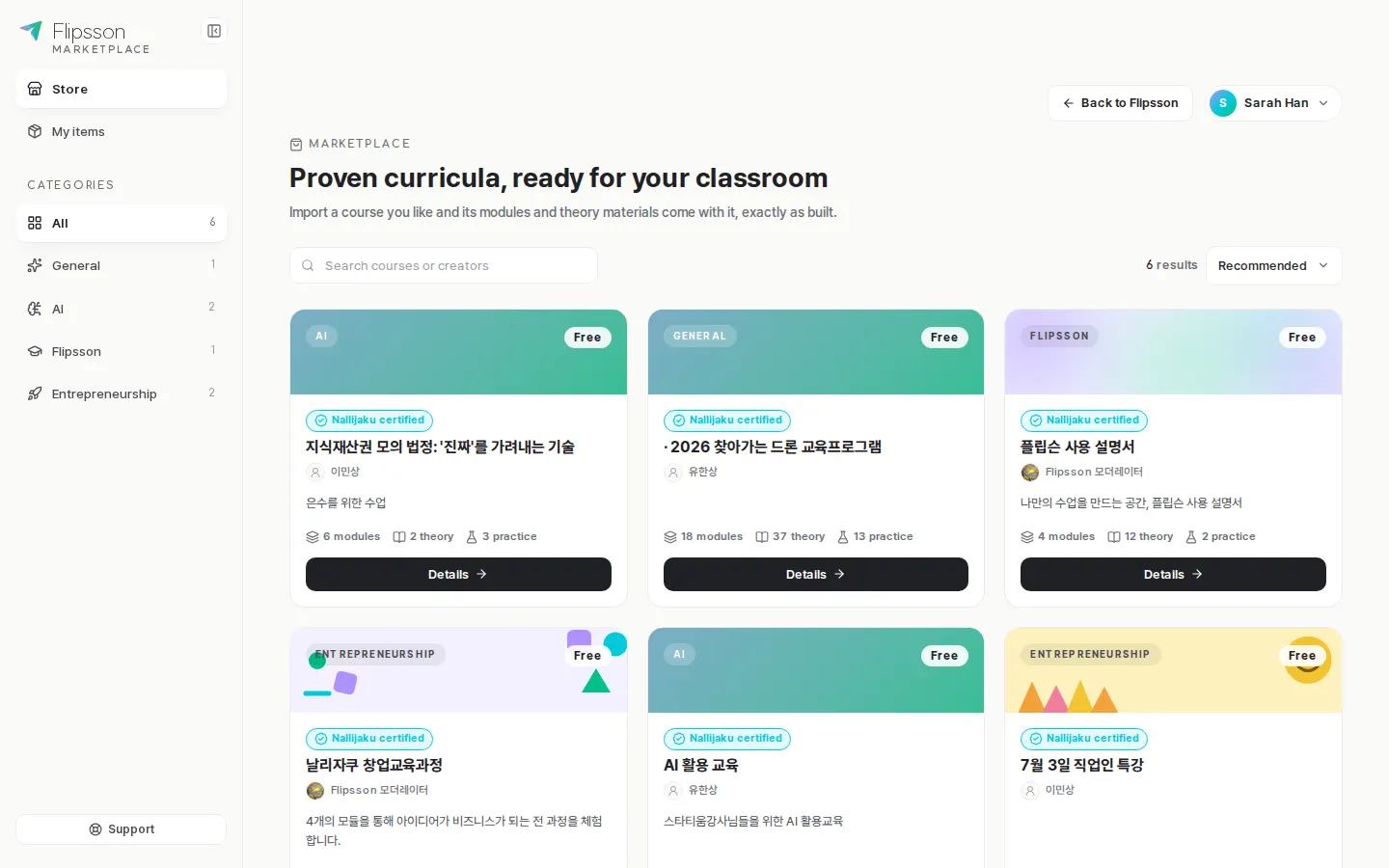
- Import complete, proven lessons from the Marketplace
Use Existing Materials — Your Lesson Plans As They Are
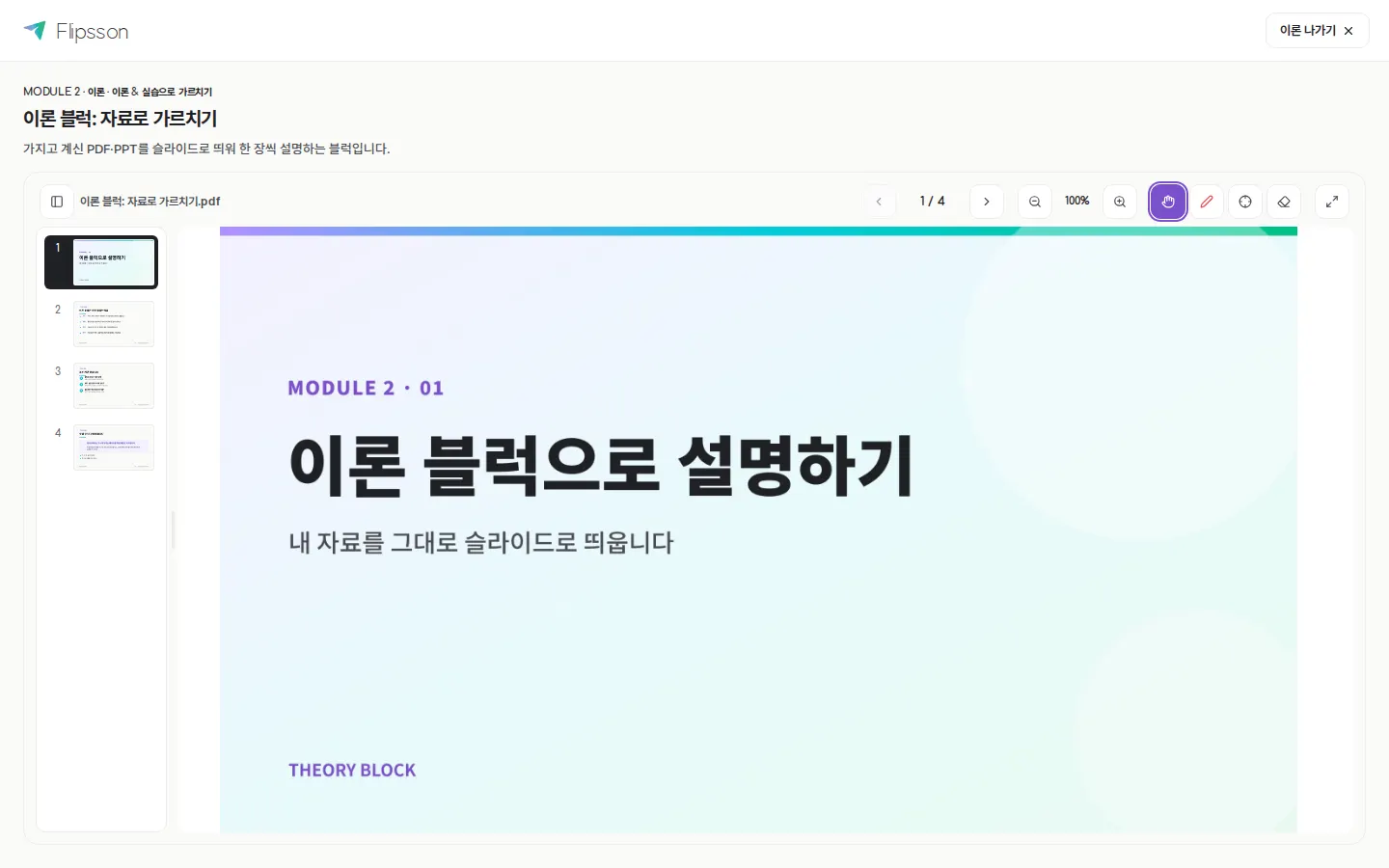
There is no need to create anything new: upload your existing PDF and PPT files and they become lesson slides. Annotation, zoom and full-screen display are also supported during lessons.
- PDF and PPT uploads shown immediately in the slide viewer
- Annotation, pointer and zoom on slides
- Automatic content conversion — upload materials and AI builds them into sessions, modules and blocks
Live Class — Instructor and Student Screens as One
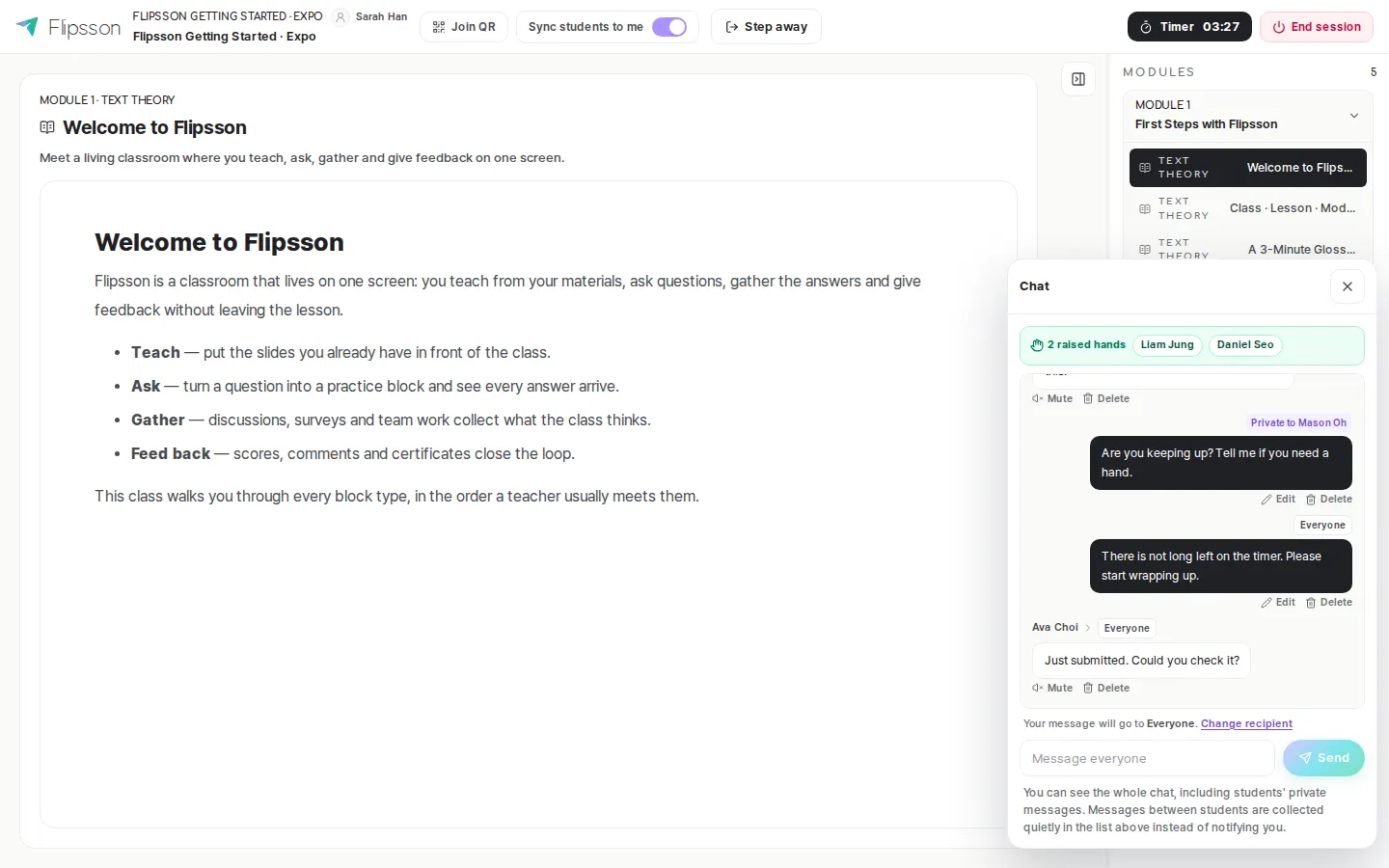
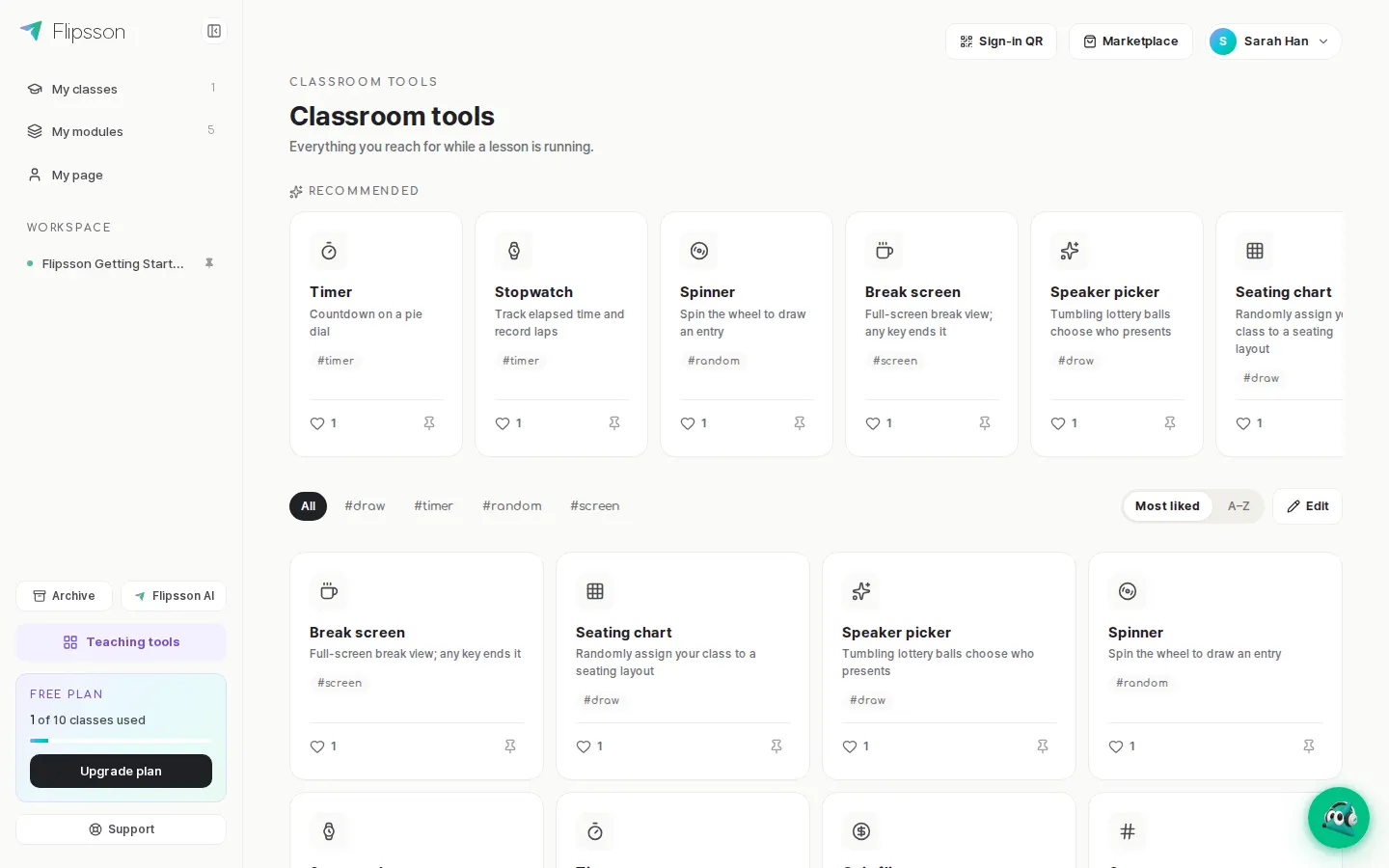
When the instructor advances a slide, student screens follow. Participant count, raised hands, chat and timer are all managed from one place on the instructor's screen.
- Progress synchronization between student and instructor screens
- Raised-hand indicators, class-wide and private chat
- Instant joining via entry QR code or invitation code
Learner Screen — Join Instantly, No Installation
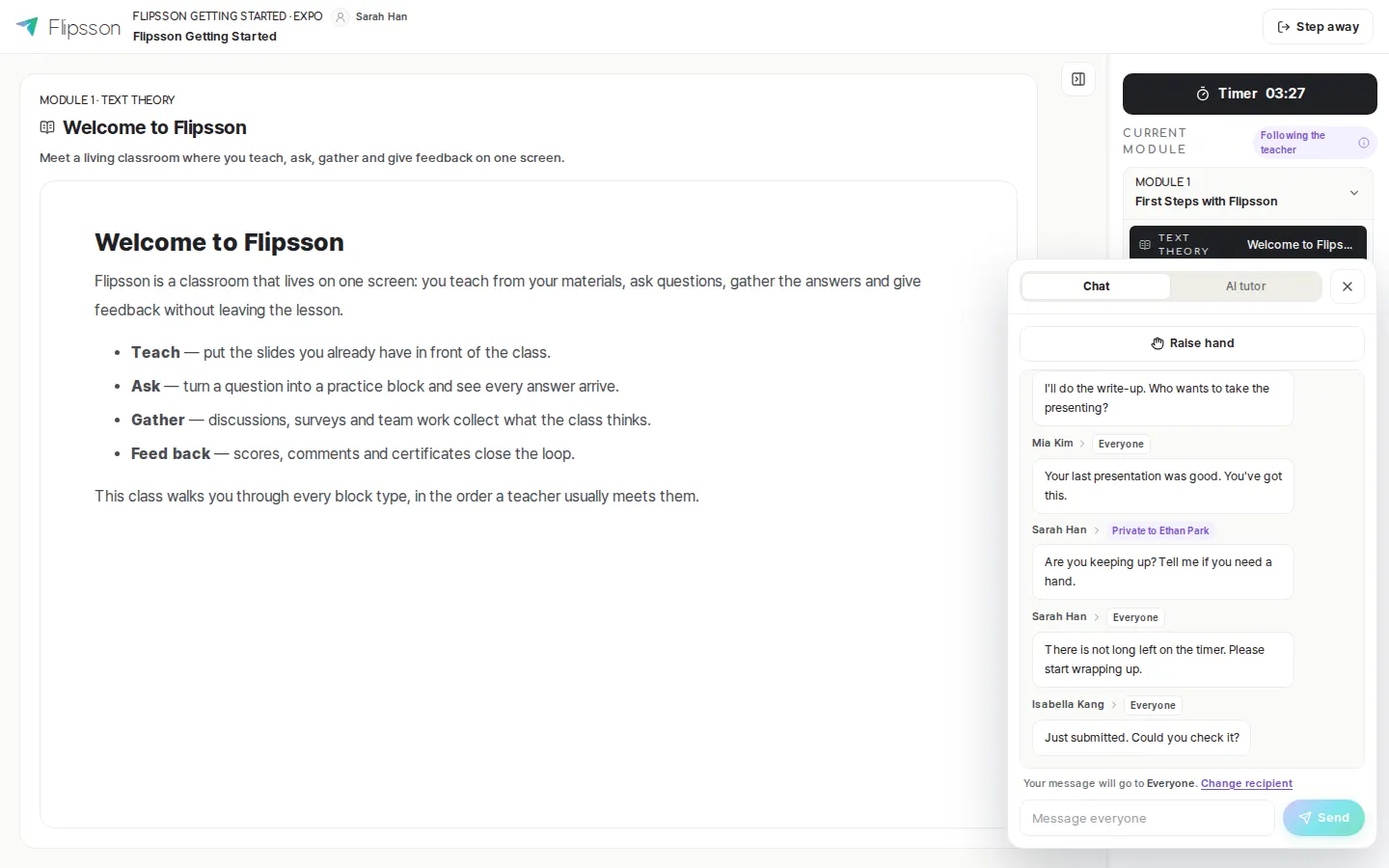
Learners join with an invitation code and follow the screens as the instructor advances them. Questions can be raised immediately using the raise-hand feature and chat.
- Access via web browser, no app installation required
- Academy students sign in with accounts created by the director
- PDF certificate download upon meeting the requirements
Real-Time Result Collection — See Who Submitted What, Instantly
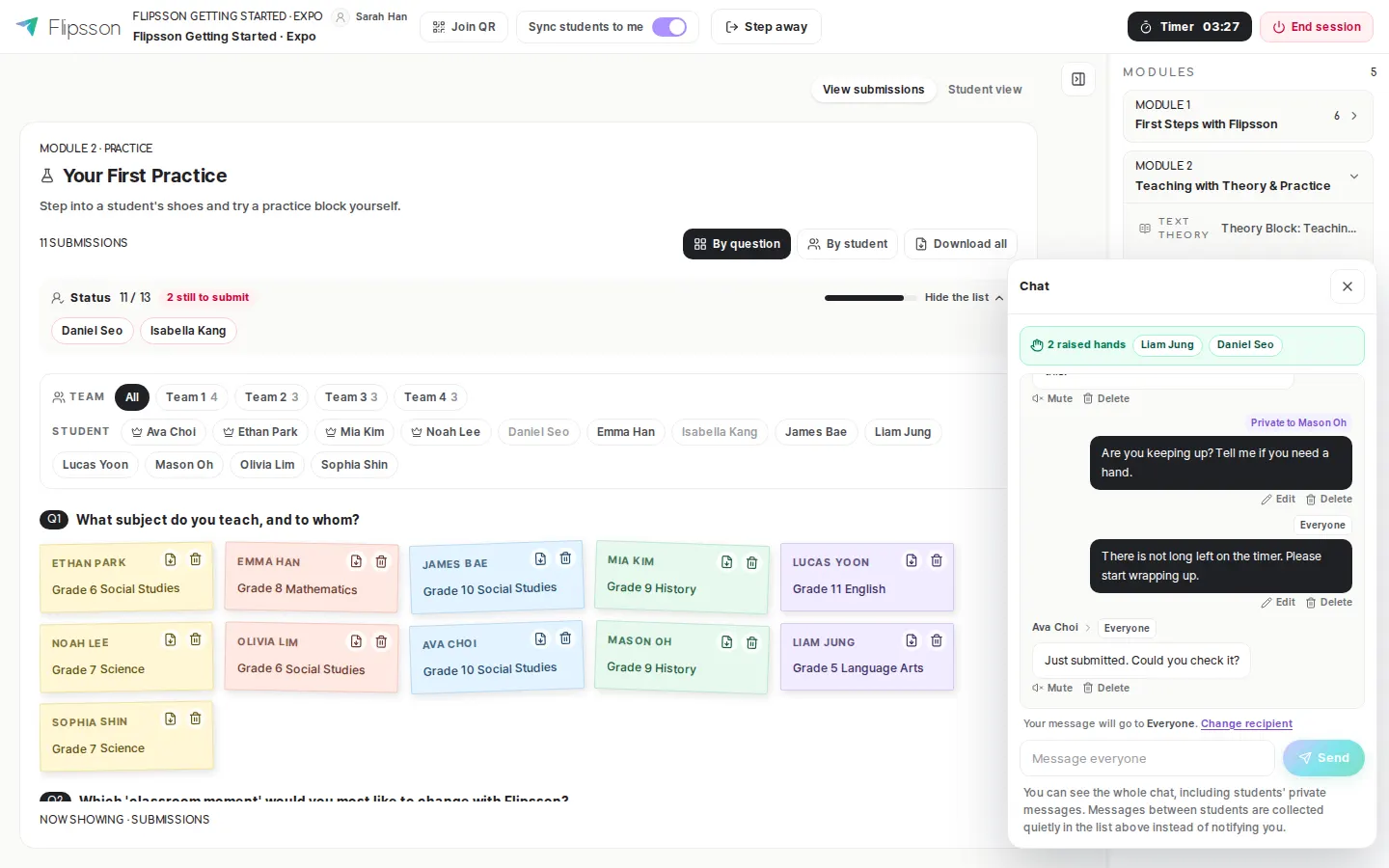
Student answers accumulate as cards on the instructor's screen. The number of submissions and the students who have not yet submitted are shown in real time, and results are archived automatically.
- Real-time tally of submissions
- Share student answers directly on the presentation screen
- Management of assignment deadlines, late and missing submissions
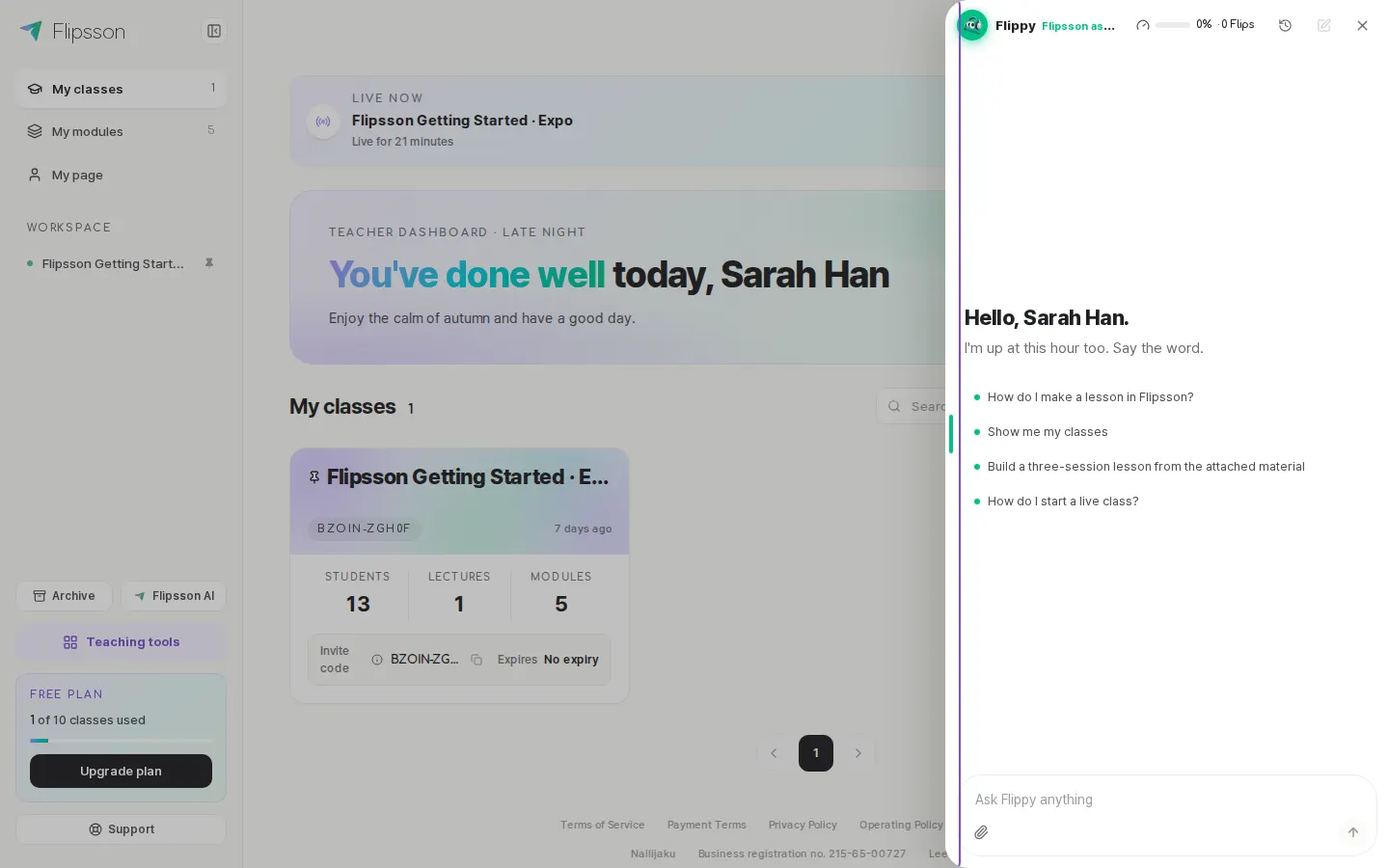
Other Key Screens
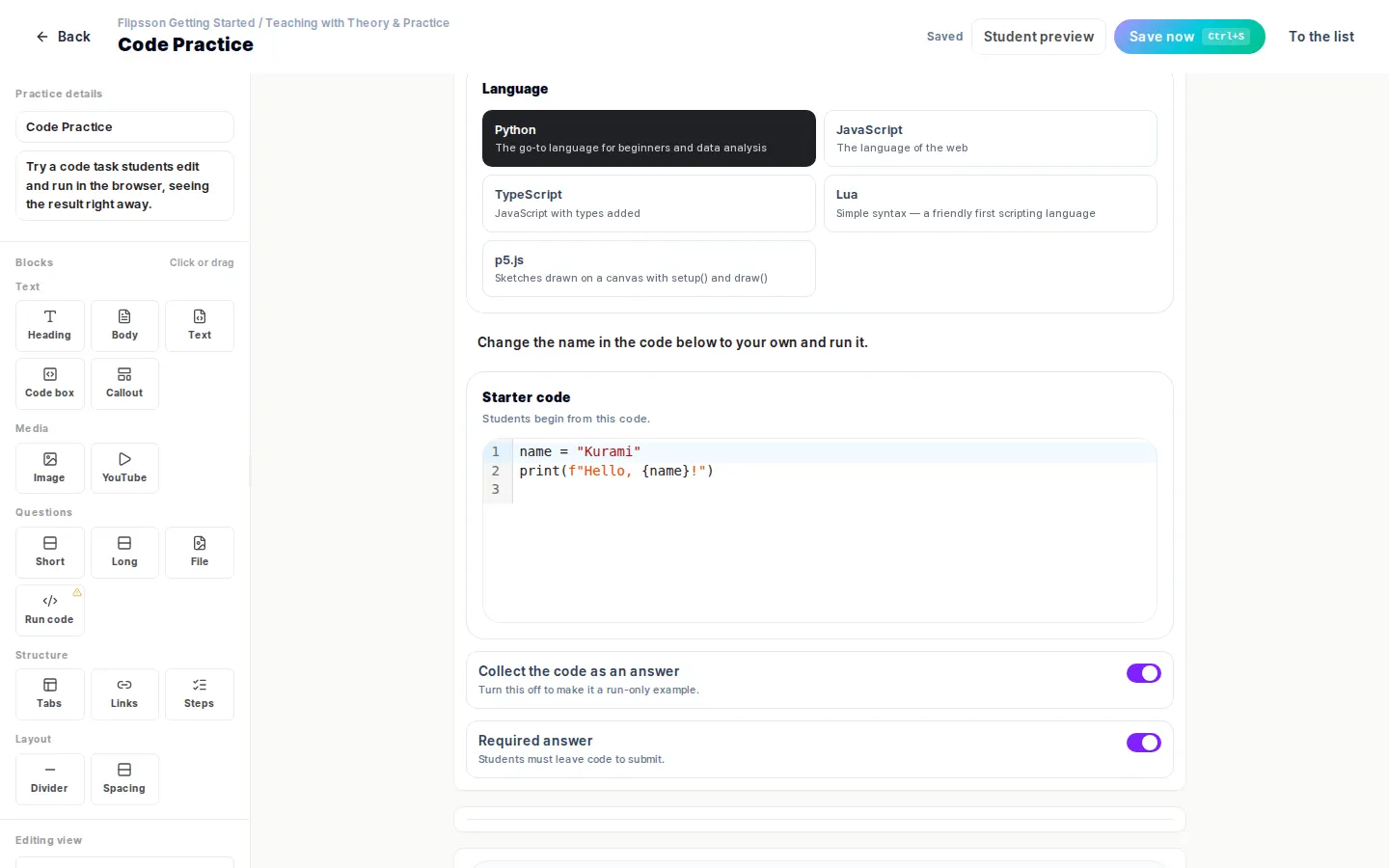
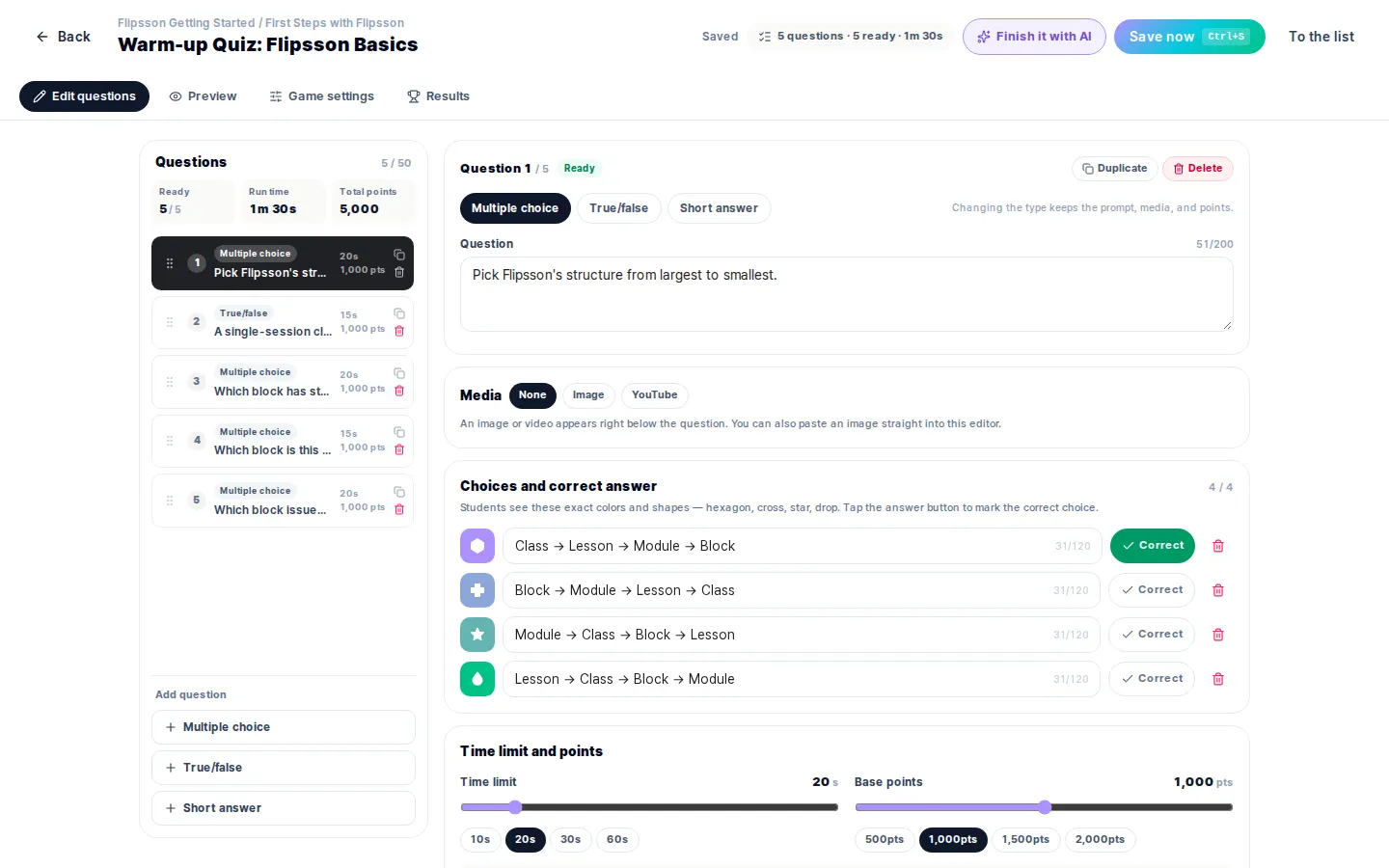
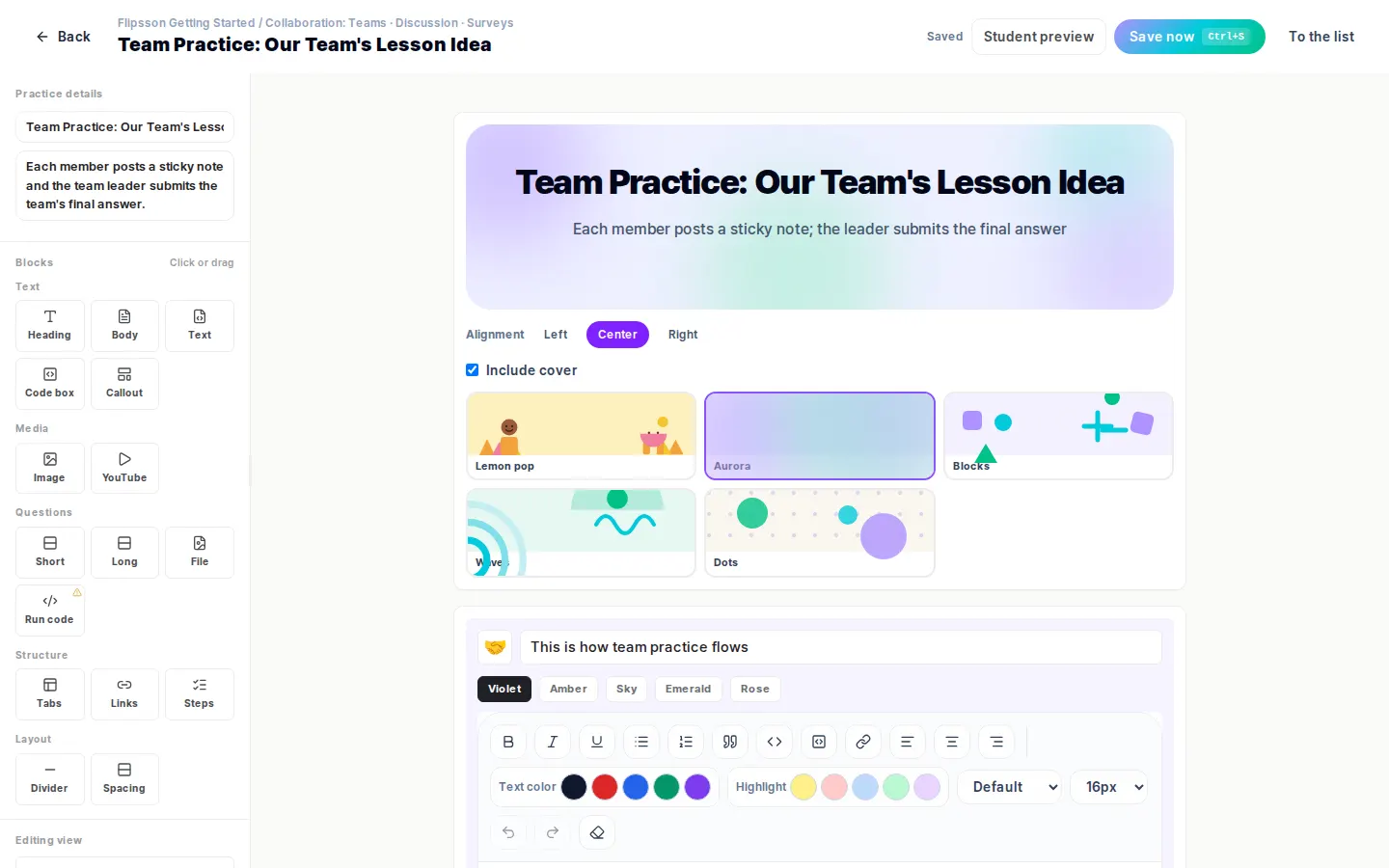
If you would like a live demonstration in your institution's environment, please submit an adoption inquiry. Our team will schedule a demonstration tailored to your institution's circumstances.
- Contact
- Flipsson institutional adoption support
- Phone
- 010-5029-6452
- [email protected]
- Last updated
- September 26, 2026